A practical starting point for cylindrical printing
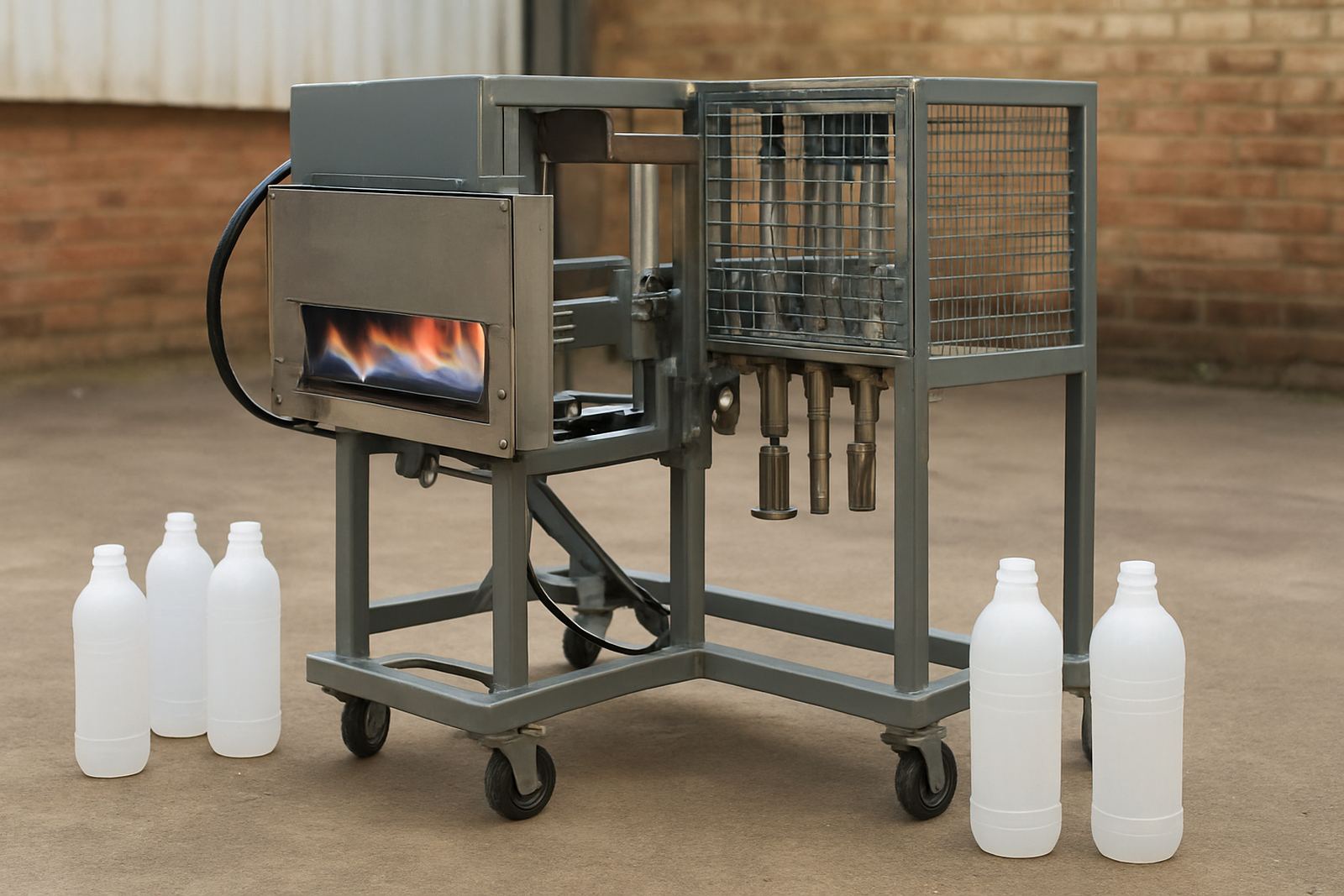
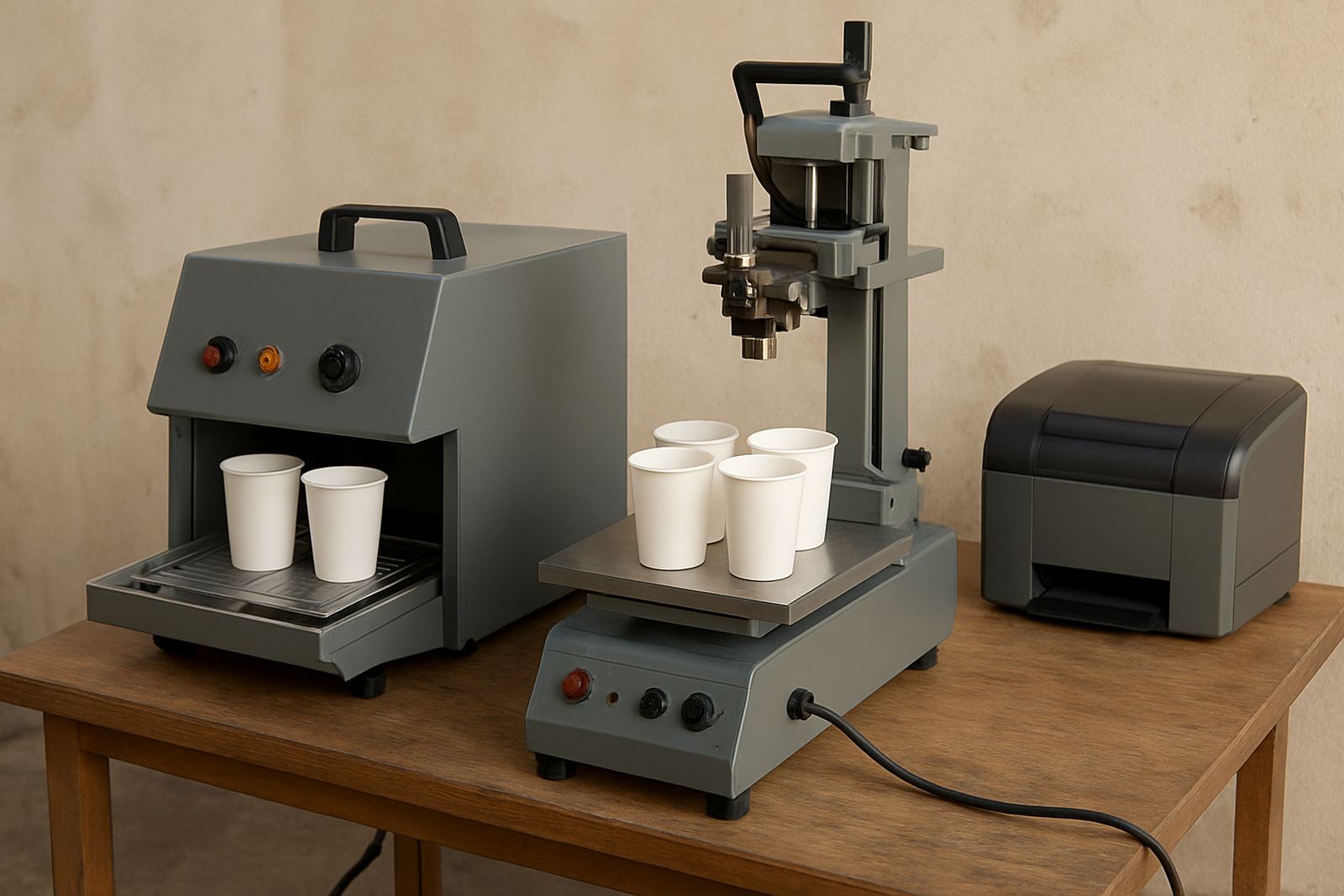
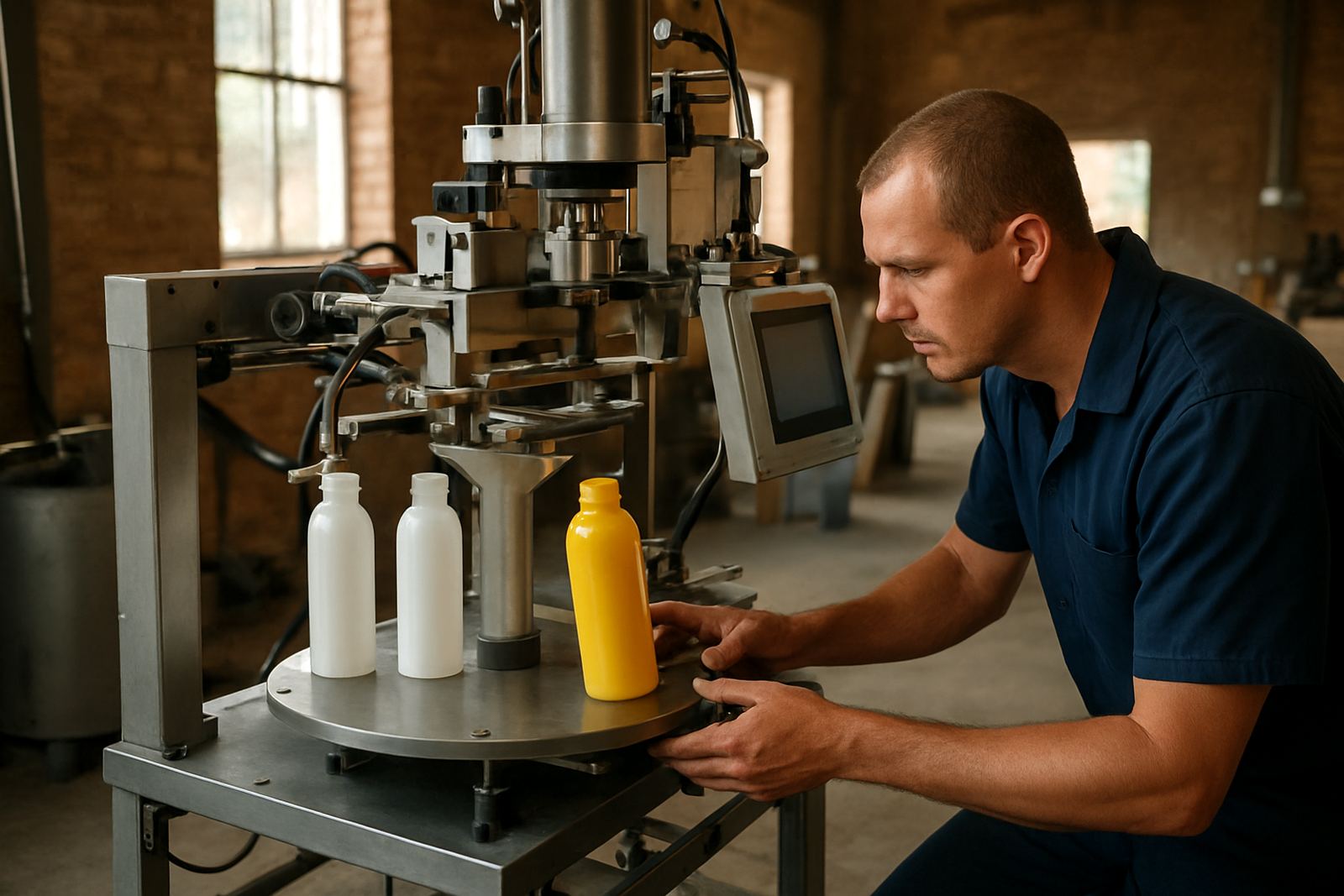
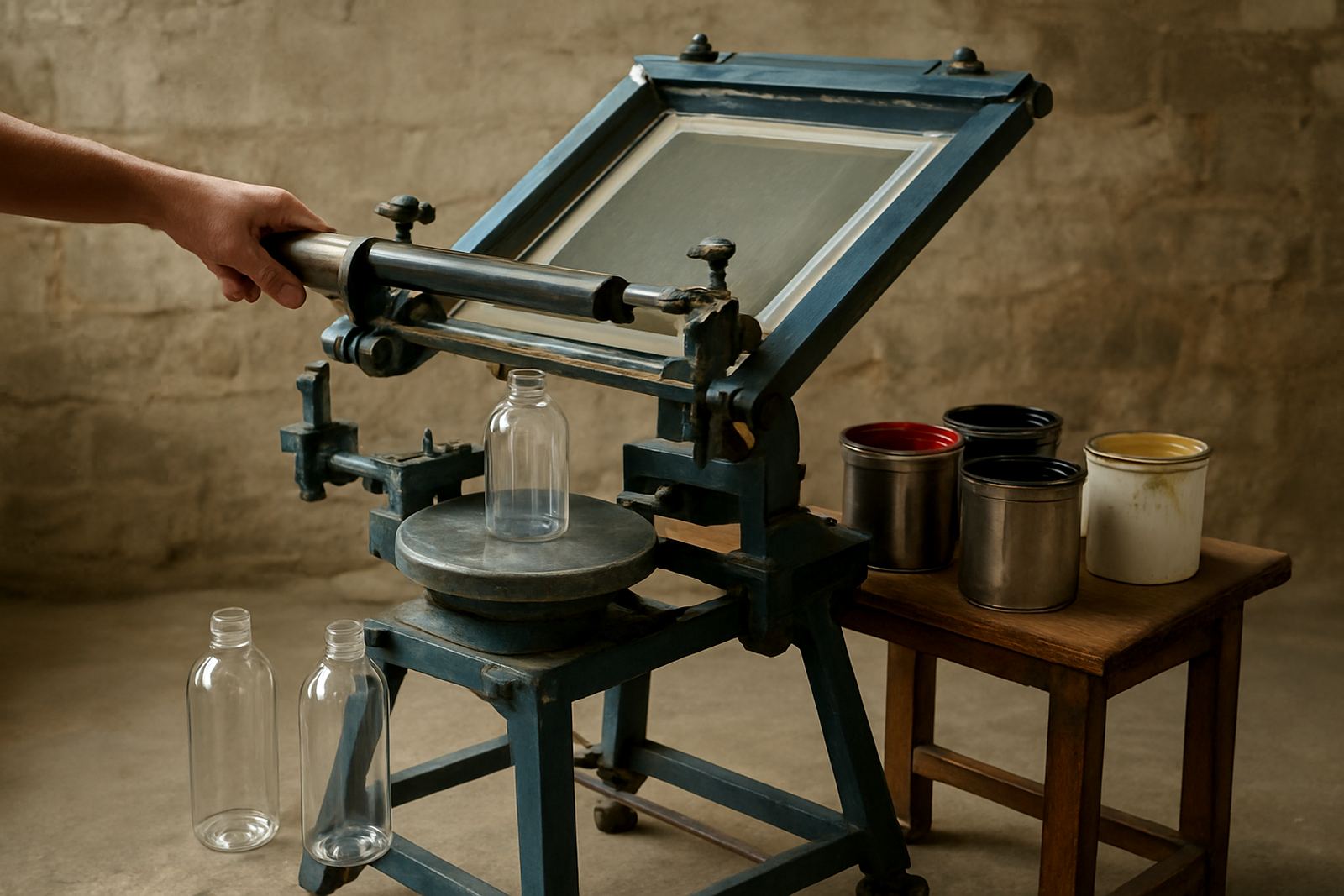
The Manual Bottle Printer is built for businesses that need to print on round and slightly tapered items without moving straight into a full automatic line. It is suited to bottles, cups and tubes where repeatable placement matters more than speed, especially for short production runs, promotional orders and in-house sample work. For a new branding shop, it gives a clear path into cylindrical screen printing without a large floor space or high power demand.
It is commonly used for plastic, glass and coated metal containers, depending on the inks and screens selected. With the right jig and screen setup, it can handle neat single colour prints and straightforward repeat jobs for product launches, event orders and contract decorating. On a clean floor in Aeroton or a back room in Durban, it fits where a bigger machine would simply be too much.
Typical sizes and setup options
Because bottle printing work varies a lot, the manual unit is usually supplied with practical options rather than a one size fits all package. The frame size, jig width and support rollers must match the product diameter and the print length. If the print area is too small, the artwork gets crowded. If the supports are too loose, the item moves and the registration slips.
- Suitable for bottles, cups, tubes and similar cylindrical items
- Works with small to medium diameters, typically from about 20 mm up to 160 mm depending on jig choice
- Common print lengths from 40 mm to 220 mm, subject to artwork and screen size
- Single station manual operation for short runs and training use
- Optional adjustable bottle cradles for tapered containers
For businesses doing mixed work, the best arrangement is often one base unit with changeable holders. That keeps changeover time down and makes it easier to switch between a 350 ml bottle, a cosmetic tube or a travel cup. It also helps when a client asks for a small test run before placing a bigger order.
Where this unit suits best in South African production
This manual printer suits startup operations, label and branding shops, small contract decorators and manufacturers who want a simple in-house printing option. It is useful for promotional companies handling short event deadlines, and for small factories that need printed packaging for local resale. In places with limited three phase power or load-shedding interruptions, the manual format can keep work moving because the operator does not depend on a high draw motor system.
It is also a good fit where moisture, dust or temperature changes can affect a larger automated setup. In coastal areas like Durban and Cape Town, it helps to keep screens, blades and guides clean and dry after use to avoid corrosion and ink contamination. For inland workshops, especially in Gauteng, a tidy bench and proper storage make a big difference to repeat quality and less rework.
Installation, power and working conditions
The manual bottle printer is straightforward to site set up and does not normally need complex electrical work. Most units only need a stable bench or floor position, level adjustment and enough room for the operator to load, print and unload without knocking the product. A clear working area of about 2 m by 2 m is usually enough for the unit itself, though more space is better for screens, drying racks and ink prep.
- No heavy power requirement for the manual motion itself
- May use a small air supply or vacuum assistance if specified with the setup
- Best placed on a flat, firm surface to keep print position consistent
- Allow space for screens, cleaning cloths and drying after printing
- Good ventilation is important when using solvent based inks or cleaners
If the setup includes any pneumatic assistance, a clean and dry air supply is needed. In humid areas, an air filter and water trap are worth adding. If you are printing in a workshop that runs generators during outages, confirm that drying and curing arrangements still suit the inks being used, because patchy power can affect drying times and handling.
Care, maintenance and servicing that keep it printing
A manual unit lasts well when the moving parts are kept clean and checked often. Ink build-up on guides, hinges and holders can cause small shifts that show up in the print. Wipe down the machine at the end of each shift, keep the screen area free of dried ink and check that clamps are tight before starting the next run. Small issues are easier to sort early, and that saves product losses later on.
For longer life, keep spare blades, basic fasteners and cleaning materials on hand. Screen making and reclaiming must also be done properly, because a poor screen will make a good machine look faulty. If the business prints daily, a preventive maintenance routine every few weeks is sensible. It is better to spend ten minutes checking alignment than to waste a box of bottles because the first few prints wandered off centre.
- Clean after every run
- Check clamps, stops and guides weekly
- Store screens flat and dry
- Keep spare consumables nearby
- Book servicing before small wear becomes downtime
What to check before you place an order
Before ordering, the main point is to match the machine to your actual products and output. Send the bottle or cup sample, the diameter, the print height and the label area so the correct jig and screen format can be advised. If you print on more than one container size, list each one in order of frequency. That avoids a setup that works for one item but struggles with the rest.
You should also check the inks you plan to use, whether curing will be air dry, oven dry or another method, and how much space is available for the operator and drying stage. Ask about operator training, breakdown repairs, spare supply and screen making support at the same time. A manual machine may be entry level, but the wrong matching can still cause waste and poor colour hold.
- Container type and material
- Diameter, height and print area
- Single colour or multi colour work
- Available floor space and drying method
- Power, air and ventilation conditions
For South African businesses, it also helps to think about future growth. If your order volumes may rise in 6 to 12 months, choose a manual printer that can be serviced locally and upgraded with better holders or a larger screen frame. That way you do not get stuck with a machine that only suits the first stage of the business.
Key facts
| Product type | Manual cylindrical screen-printing unit |
|---|---|
| Best for | Short runs, samples and startup bottle branding |
| Compatible items | Bottles, cups, tubes and similar round containers |
| Typical print area | 40 mm to 220 mm depending on jig and artwork |
| Operating requirement | Manual operation with optional air assistance on specified setups |
| Service support | Installation, training, maintenance, screen making and repairs nationwide |