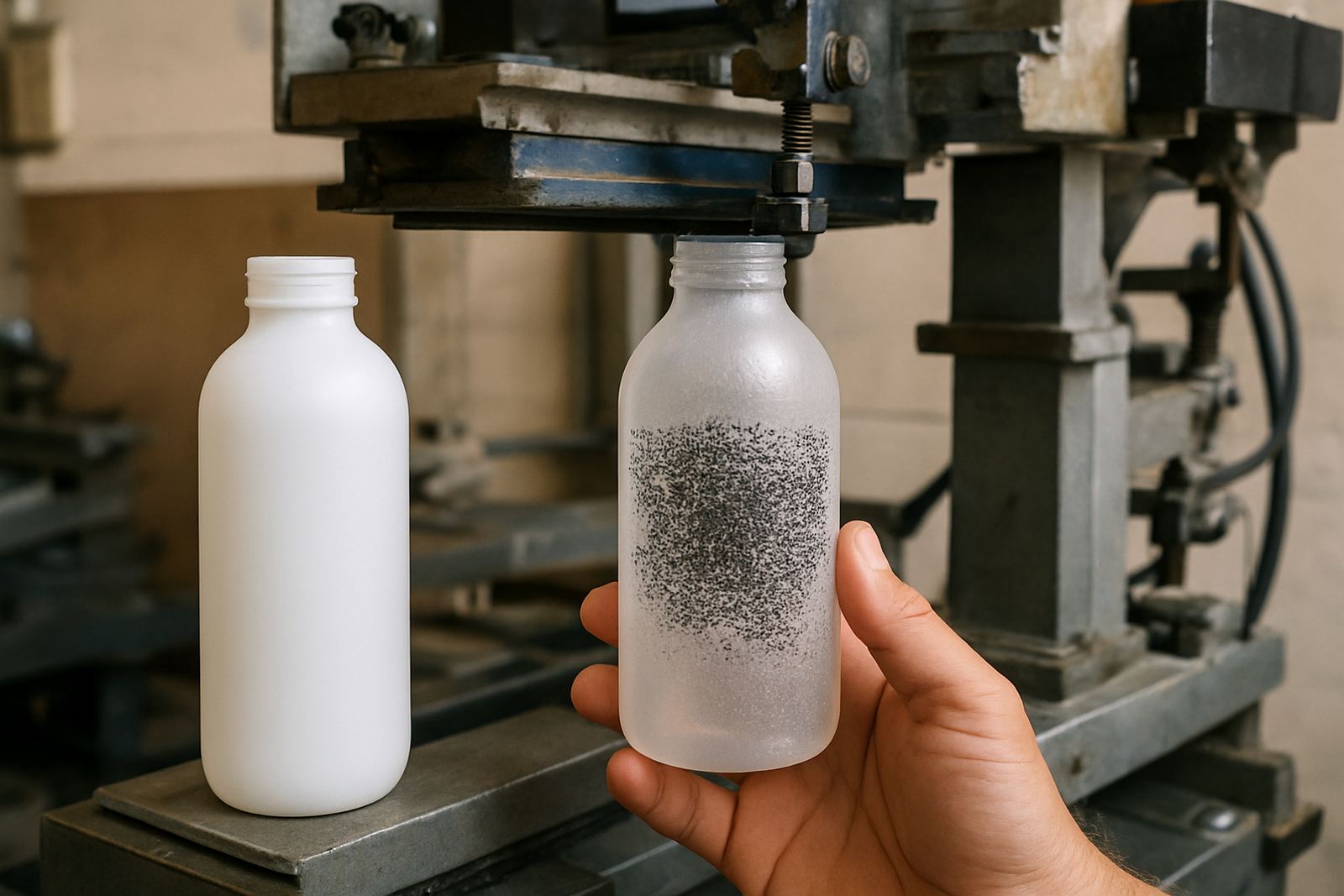


What Ghosting Looks Like On Cylindrical Prints
Ghosting is the extra image you notice beside or behind the main print. On a bottle it can show as a pale second logo, a soft double edge around text, or a repeated stripe where the artwork should be clean and solid. On tubes and cups it may appear only on one side, which makes the problem harder to spot until the customer reports it.
The main clue is inconsistency. One batch looks fine, then the next 20 units show a faint trail or patchy transfer. That usually means something in the process is shifting during production. In Johannesburg, we often see this after a change in speed, a worn jig, or screens that are not drying evenly after reclaiming.
- Faint duplicate image behind the main print
- Repeat pattern drift on curved surfaces
- Light and dark bands that follow the same angle
- Prints that look fine at the start and worse later in the run
Registration Drift From Setup Errors
On cylindrical work, small setup errors grow fast. If the bottle is not seated properly, or the screen is not centred to the axis of print, the image can shift from one end of the run to the other. A roller too tight, a cradle that rocks, or a print stroke that starts before the item is stable can all create a shadow line that looks like ghosting.
When training operators, we tell them to check the physical stop points before chasing ink problems. A minor loose clamp or uneven pressure on the holder can move the product by just a few millimetres, but that is enough to leave a repeated image. In production, a millimetre is not minor.
- Check bottle seating and stop positions before each run
- Make sure the holder grips evenly across the full contact area
- Confirm screen alignment after any screen change
- Test slow hand turns first, then move to production speed
Ink, Mesh And Drying Problems That Leave Shadows
Ghosting is often blamed on the machine when the real issue is ink behaviour. If the ink is too thin, it can spread after print and leave a halo. If it is too thick, it may drag on the screen and release unevenly, giving a double edge. Mesh count also matters because a mesh that is too open can flood the image while a fine mesh may not release enough ink on curved items.
Drying conditions are just as important in Gauteng and along the coast. High humidity in Durban slows curing and makes wet prints vulnerable to movement, while hot dry days in Pretoria can skin the ink too fast. During load shedding, rushed restart procedures can also upset drying times, especially if heat tunnels or drying units come back on unevenly.
- Match ink viscosity to the substrate and screen mesh
- Stir ink properly and keep a record of thinning
- Allow enough flash or drying time between passes
- Keep dust off wet prints, because particles can mimic ghosting
Screen Wear, Reclaiming And Light Leaks
Old screens cause more trouble than many shops expect. If the stencil is worn, poorly exposed or not fully degreased before use, the image may break down during the run and leave faint repeat marks. Small pinholes can also let ink through in places where it should not, which reads as a soft second image on the product.
Screen reclaiming matters here. If reclaiming is rushed, residue from previous jobs can block exposure or leave a weak stencil edge. That is common when a shop is trying to turn work around quickly for a client in Midrand or Cape Town and the screen goes back into service before it is properly checked. The result is often a print that starts well then drifts off. Sometimes the screen is not the only issue, but it is the first place to inspect.
- Inspect stencil edges before each run
- Check for pinholes, weak exposure and frame tension loss
- Keep reclaiming chemicals rinsed off fully
- Store screens flat and dry to avoid distortion
Machine Timing And Pressure On Cylindrical Jobs
On cylindrical printing machines, timing between rotation, squeegee movement and substrate contact must stay consistent. If the rotation starts too early or stops too late, the print can smear into a ghost image. Pressure that is too high can also force the mesh to bounce back, which leaves a second mark on the print edge.
This is where preventative maintenance pays off. Belts, bearings, rollers and clamps wear slowly, so a machine can seem fine until the print quality starts changing every hour. In one Johannesburg South food-packaging run, faint repeat images were traced to a worn support roller that let the cup shift only slightly on each cycle. Replacing the part fixed the problem and the prints became steady again.
- Check rotation timing after any speed change
- Inspect rollers, bearings and drive parts for play
- Watch for pressure marks at the start and end of the stroke
- Record the settings that give clean output for each product size
A Practical Troubleshooting Routine For Your Workshop
The fastest way to reduce ghosting is to follow the same check order every time. Start with the product holder, then the screen, then ink, then drying, and only after that look deeper into machine timing. That keeps the team from changing three things at once and losing the real cause.
A local decorator in Aeroton was printing drink bottles for a promotion run and kept seeing a faint second logo on every tenth unit. The team first thought the screen was at fault, but the issue was actually a slight delay in bottle seating after a power interruption. Once the operator reset the stop point and slowed the first few cycles, the ghosting disappeared and the run finished cleanly.
If the problem keeps returning, it is worth checking the full line rather than only one station. A print that looks fine on a test piece can fail after 100 units if the environment, operator pace or machine wear changes during the shift. That is why a record of settings, screen condition and drying time is useful, even for smaller batches.
- Test one variable at a time
- Keep a written setting sheet for each product and screen
- Review the first 10 pieces, not only the first piece
- Call for technical help before damage spreads through the batch