
Start With the Actual Machine Load
The first question is simple: what does the machine actually draw in normal production, and what does it need at start-up? Buyers should ask for the full electrical specification before installation day, including voltage, phase, amps, frequency and any heating or air requirements. A machine that looks compact can still need a proper dedicated circuit, especially when it is running all day in a busy print room.
In Johannesburg and Pretoria we often find sites that have enough general power for lighting and hand tools but not for a print line with ancillary equipment. If your operation will run a compressor, vacuum, heat unit or drying equipment, those loads must be added into the plan. It helps to know whether the machine runs on single phase or three phase, because that changes the whole approach to cabling, protection and supply capacity.
Check Your Supply Before the Truck Arrives
Do not wait until install morning to discover the wall outlet is wrong. Confirm the available supply at the exact machine position, not only at the main board. The distance from the distribution board to the line matters because long cable runs can cause voltage drop and nuisance tripping. In older factory units around Aeroton and Johannesburg South, the internal wiring is often the issue rather than the utility feed.
- Confirm voltage at the machine point under load, not only no-load readings.
- Check if the circuit is dedicated or shared with other plant.
- Inspect breaker size, cabling thickness and earth continuity.
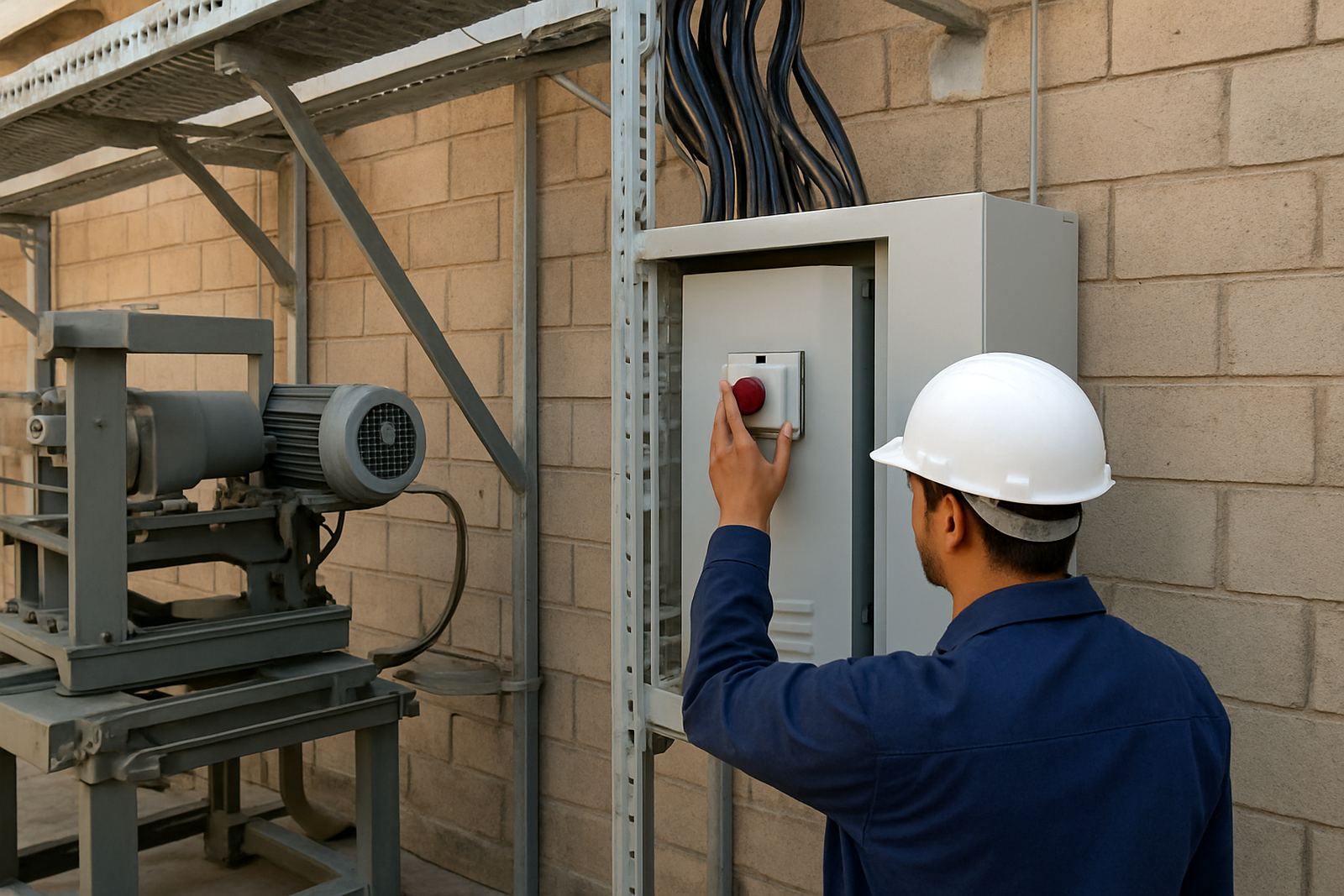
- Ask if a local isolator is needed near the machine for safe shutdown.
- Make sure the plug and socket type matches the machine requirements.
It is also wise to test supply stability during the time you normally run production. A site that looks fine in the morning may sag badly at peak demand after lunch. One missing capacitor or overloaded board can cause stop-start faults that are hard to trace once production has begun.
Plan for Load-Shedding and Voltage Fluctuations
South African buyers know that load-shedding is not just a convenience issue. Sudden interruptions can corrupt settings, damage heaters, interrupt curing times and reduce print consistency. If a machine stops half way through a run, the product in the line may need to be scrapped or reworked. That is costly on bottles, cups and tubes where registration and finish must stay even.
Ask how your site will recover after a power cut. If you use backup power, check that the inverter or generator can handle the machine startup load and any heating elements. Some sites in Durban and Cape Town also have to factor in coastal humidity, which can affect panels, terminals and stored spares. A little corrosion in the wrong place can cause a headache later so keep electrical enclosures dry and sealed.
- Use surge protection where voltage spikes are common.
- Allow for controlled restart after outages.
- Keep spare fuses, relays and contactors on hand.
- Record every shutdown so fault patterns are easier to spot.
Match the Site to Municipal and Workshop Rules
Power planning is not only about amperage. Some municipal areas and industrial parks have rules on supply alterations, permits and certified work. If you are in a leased unit in Midrand or a managed light-industrial park in Pretoria, confirm who must approve any board changes or extra circuits. It is better to settle that before the installer is on site with tools and time booked.
Many workshop owners also forget about ventilation, cable routing and safe access around the machine. Electrical work should not create trip hazards where operators move bottles or boxes. Keep the supply route clear, label the isolator and make sure the person responsible for production knows where to switch off in an emergency. Small details save time when something goes wrong on a Friday afternoon and the printer is under pressure to finish an urgent order.
Prepare the Floor and the Surrounding Equipment
A machine can only perform as well as the site around it. Before installation, confirm that the floor is level, dry and able to handle the machine weight plus any feed tables or drying racks. If the floor has cracks or a rough patch near the cable entry point, sort that out first. Dust and water near power points are a bad combination, especially in a production room that also handles inks, cleaning fluids and packed stock.
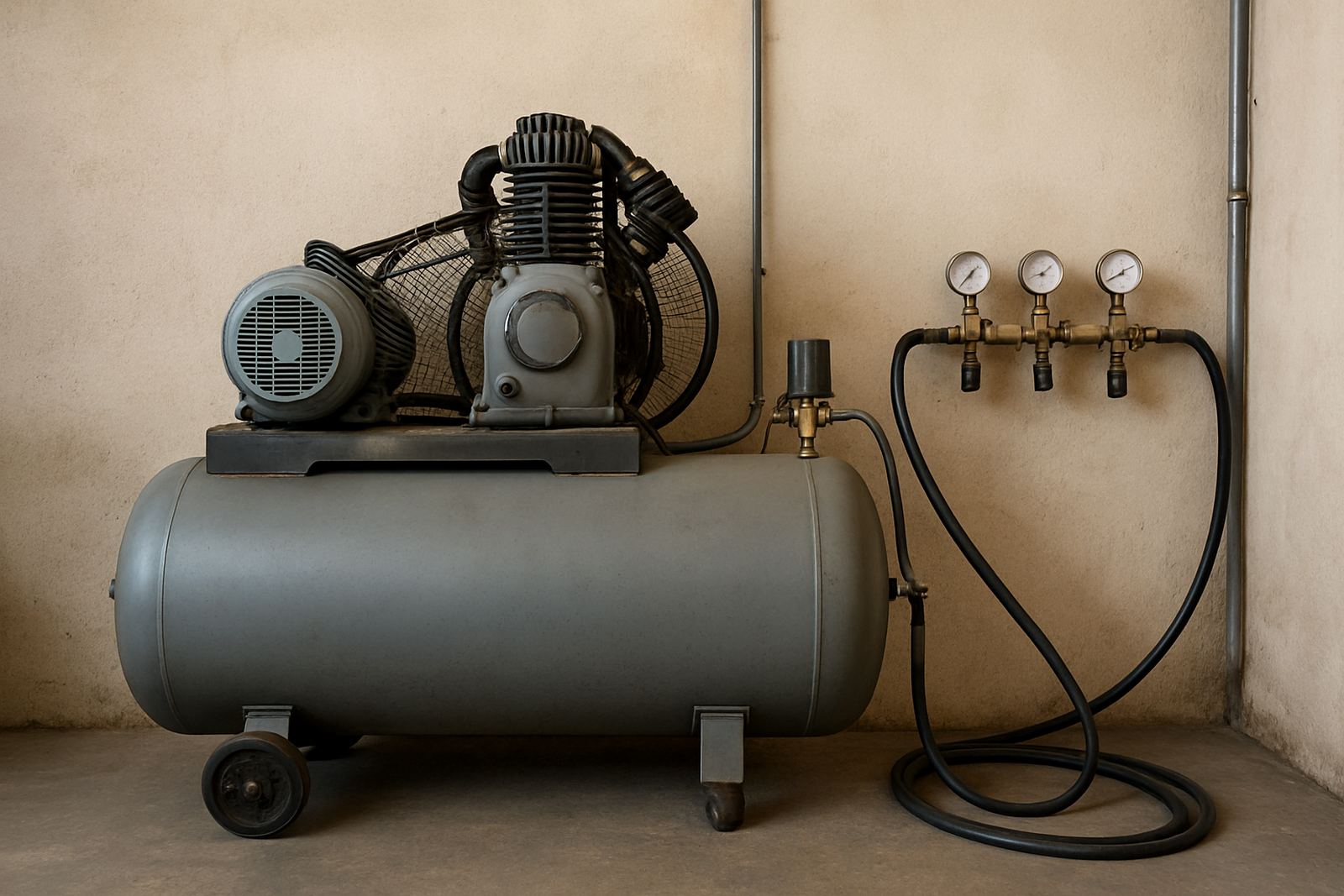
Also check the full production chain. If the compressor is in another room, measure the actual pressure at the machine and not only at the tank. If the air line is too small or too long, you may get poor clamping and irregular print pressure. When the electrical supply is right but the compressed air is weak, people often blame the machine when the real problem is elsewhere.
- Keep the machine area dry and free of wash-down water.
- Provide enough clearance for servicing and cable access.
- Mark the emergency stop and isolator clearly.
- Store inks, cleaners and electrical spares away from heat sources.
What to Send Your Supplier Before Installation Day
The best installation jobs start with good information. Send your supplier clear photos of the board, the machine position and the nearest plug point. Include the site address, contact person and any access limits for deliveries or rigging. If the building uses a generator, solar setup or UPS, say so upfront. A proper pre-check avoids wasted trips and keeps the install on schedule.
For a site in Aeroton serving a bottling client in Midrand, the power report should show where the machine will sit, what other equipment runs nearby and who is available to sign off the handover. If the team knows that the supply is shared with other production equipment, they can plan the start-up and avoid tripping a whole section of the workshop. It sounds basic, but it saves real money.
At Bottle Screen Printers, we see this often enough to know that a good power check is not an extra task, it is part of the job. When the supply is right, the machine starts cleaner, prints more consistently and gives the operator a calmer first week on the floor.