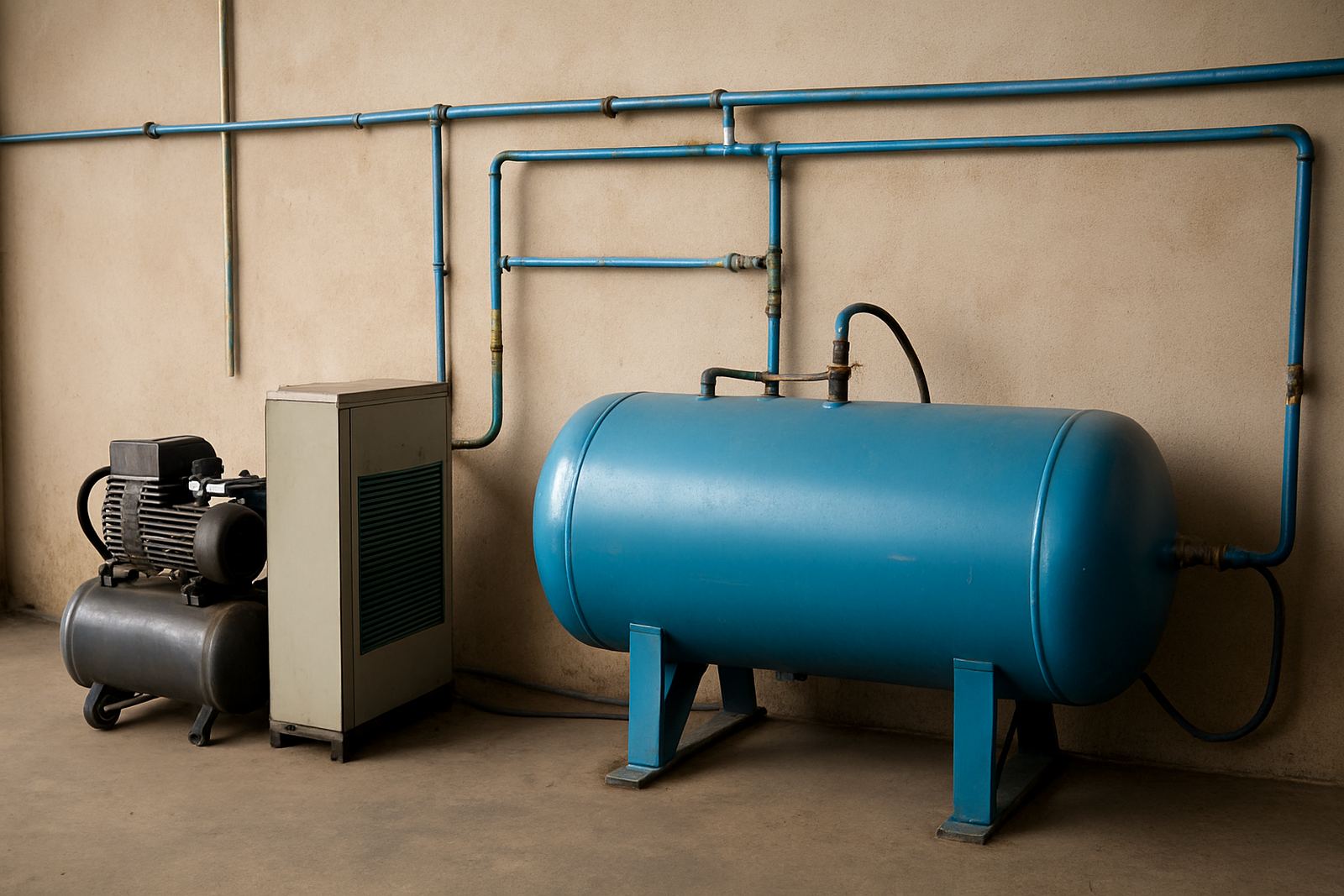
Start With the Machine Demand, Not the Compressor Label
The first step is to work from the equipment requirement. Check the air pressure range, air consumption per cycle, and whether the machine needs clean dry air for cylinders, clamps, registration units or pneumatic assists. A compressor that looks large enough can still struggle if the receiver tank is too small or the line losses are high.
As a practical rule, look at the total demand for the print line plus a safety margin for start up surges and extra tools in the same area. In busy shops around Aeroton, Johannesburg South and Midrand, we usually see issues when a compressor is shared between printing, packing and general workshop use without a proper distribution plan.
- Confirm operating pressure in bar
- Check air use per minute or per cycle
- Allow extra capacity for peak demand
- Separate machine air from general workshop air where possible
Build in Clean, Dry Air for Better Print Results
Air quality matters as much as pressure. Moisture, oil mist and dust can mark screens, affect cylinder movement and cause inconsistent registration. On coastal routes such as Durban and Cape Town, humidity makes water separation even more important. In winter in Johannesburg, temperature changes can still create condensation in lines and tanks.
Use a proper filter and moisture trap near the machine, and fit a dryer if the site runs long shifts or stores air in a warm compressor room. If you notice water at the regulator, slow movement on air cylinders or staining near the print area, the system needs attention.
- Drain the receiver tank daily in humid conditions
- Fit a filter before the machine inlet
- Keep pipe runs short and avoid unnecessary bends
- Inspect hoses for oil, cracks and loose fittings
Plan for Load Shedding and Restart Stability
Power cuts can interrupt compressed air production and leave pressure unstable when the plant comes back online. If your site sees regular load-shedding, the air system should recover quickly without hunting or repeated pressure drops. That means enough tank volume, sound check valves and a restart routine that protects the machine and operator.
Ask how long the compressor takes to refill from empty to working pressure. If the answer is too long for your shift pattern, production loses time after every outage. In some cases a second tank, standby compressor or staged start-up procedure is the better answer than pushing one unit harder.
Simple Installation Checklist for New Sites
Whether you are fitting out a new line in Pretoria, Durban or Cape Town, the installation should be planned before the machine arrives. Good site setup reduces delays and helps the operator keep prints steady from day one. Make sure the air point, power supply and machine position are aligned before final fixing.
We recommend checking the floor space, compressor room ventilation and access for maintenance. Keep the machine away from direct water spray, open doors and dust sources. If the workshop shares space with packing or cleaning areas, mark off the print zone clearly so hoses and cables dont become trip hazards.
- Confirm pressure at the machine inlet, not only at the compressor
- Check hose diameter and fitting sizes
- Leave space for filter changes and tank draining
- Test pressure recovery during a print run
Keep Air Costs Under Control With Maintenance
Air systems become expensive when leaks are ignored. A small leak in a hose or fitting can run all day and waste power, especially on multi shift jobs. During preventive maintenance, listen for hissing sounds, inspect couplers and check regulators for drift.
Track your pressure readings before and after a full production run. If the system starts strong and ends weak, you may have an undersized compressor, blocked filter or a leak in the line. Regular service also helps protect screens and production quality, since stable air supports stable movement.
When to Call for Setup Help
If the machine is running but the print repeat changes, the air supply is often part of the problem. Call for help when you see slow cylinder return, low pressure alarms, excess moisture, or repeated stoppages after start-up. Our team in Aeroton supports installs and service nationwide, with help available from Johannesburg South to Midrand, Pretoria, Durban and Cape Town.
For new installations, production changes or breakdown support, a site check can save hours of trial and error. The right air setup gives cleaner movement, steadier output and less downtime for the whole line.