Start With A Weekly Machine Check
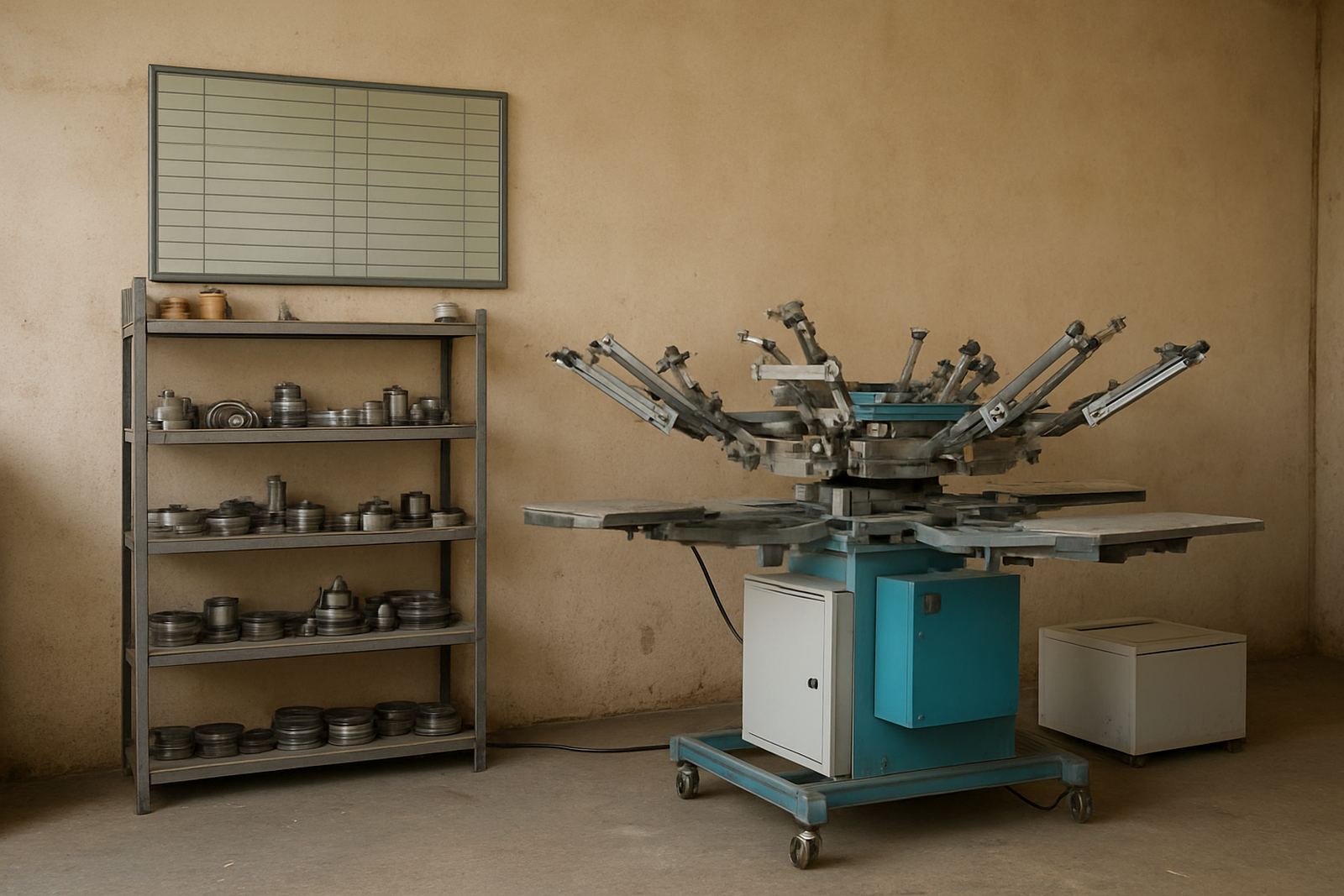
Good maintenance starts with small checks done on time. On a busy line, a five minute look-over each day can save hours of downtime later. At minimum, check moving parts for smooth travel, look for air leaks, and confirm that clamps, guides and registration points are still holding true.
In Johannesburg and other inland areas dust builds up fast, while coastal humidity in Durban or Cape Town can affect screens, bearings and electrical contacts. That means the same machine may need slightly different care depending on the site. Keep a written log so the team can see what changed and when.
- Inspect belts, rails, clamps and fixtures for wear
- Check air pressure and listen for leaks
- Wipe down ink paths and print-contact surfaces
- Test safety switches and emergency stops
- Note any unusual noise, vibration or heat
Build A Simple Monthly Maintenance Calendar
A maintenance plan works best when it is tied to the production calendar. Set monthly tasks around lower-volume periods, stock-taking days or shift changes. If the machine runs in two or three shifts, split the checks so one person is not carrying the full load.
Keep the schedule visible in the workshop. A printed calendar, signed off by the operator and supervisor, helps avoid missed service points. It also makes it easier to plan spares and arrange technical support before a small issue becomes a breakdown.
- Deep clean the machine frame and guards
- Check tightening on fasteners and brackets
- Inspect electrical panels for dust and loose connections
- Review screen condition, mesh tension and frame wear
- Verify print alignment, stroke length and repeat settings
Treat Screens And Consumables As Part Of The Plan
Screens are not just tools, they are part of your maintenance budget. Poorly reclaimed screens can hold residue, block fine detail and waste ink. Over time that affects print quality and causes extra setup time. A proper reclaiming routine keeps your screen stock usable for longer.
Store screens flat and away from direct sunlight, heat and moisture. For sites in Gauteng, dust control matters. For coastal sites, corrosion prevention matters. Make sure squeegees, flood bars, clamps and the small fittings are checked too, because a worn consumable can look like a machine fault when it is really a simple wear issue.
- Reclaim screens fully before storage
- Label screen size, mesh and job history
- Replace worn squeegees and seals early
- Keep spare mesh, ink filters and cleaning material on hand
- Store spare parts in a dry, locked area
Plan Around Power Cuts And Stop-Start Production
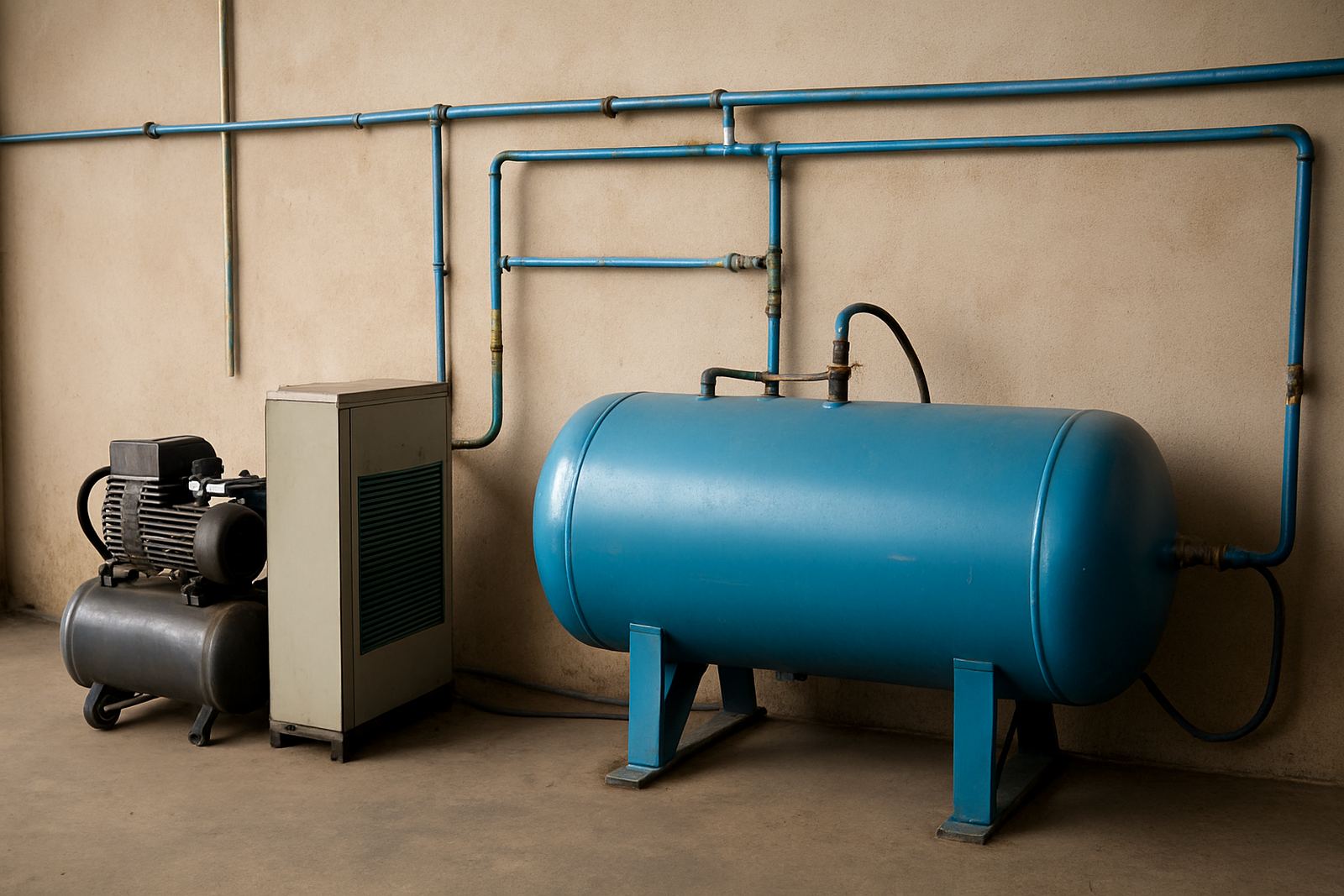
Load-shedding changes the way a production line behaves. Sudden stops can affect settings, ink flow and operator rhythm. A maintenance plan should include restart checks after every outage, especially where air systems, heaters or control panels are involved. If power returns after a long cut, do not rush the first run.
Check calibration, confirm the machine is level, and run a short test print before full production starts again. It is also worth protecting the electrical side with clean routing, correct earthing and regular panel inspection. A small surge issue can become a bigger service call if it is ignored.
- Record every power interruption in the log
- Run test prints after outage recovery
- Check air supply and pressure before restart
- Inspect control panels for heat, dust or burning smell
- Keep a backup torch, extension leads and basic tools nearby
Use Operator Training To Prevent Repeat Faults
Many breakdowns happen because the machine was pushed beyond the right setting, or cleaned the wrong way. Training should cover loading, setup, screen handling, basic fault checks and safe shutdown. When operators know what normal looks like, they spot problems sooner and handle the equipment with more care.
Train more than one person per shift if possible. If a single trained operator is absent, production can stall quickly. A short refresher every few months helps too, especially when new bottle sizes, cup diametres or tube formats are added to the line.
- Show correct loading and unloading steps
- Teach basic fault reporting and shutdown procedure
- Explain which parts may be adjusted by operators
- Reinforce cleaning methods that protect seals and guides
- Keep a signed training record for each shift
Know When To Call For Preventive Or Breakdown Support
A good maintenance plan includes clear points where in-house checks end and technical support begins. If the machine starts drifting out of registration, losing repeatability, or needs more force to cycle, it is time for a proper inspection. Waiting until the fault becomes total usually costs more in lost production.
For businesses in Aeroton, Midrand, Pretoria, Durban or Cape Town, planned support can be arranged around production needs. Preventive visits help with alignment, tuning and worn part replacement. Breakdown repairs are faster when the service team already knows your setup, spare parts list and output target.
Keep your maintenance file simple but complete. Include the machine model, service dates, screen sizes, fault history and contact details for spares. That way any handover between shifts or teams is easier, and you do not lose time repeating the same diagnosis.
- Book service before peak season or major order runs
- Log repeated faults, even if they clear on their own
- Keep machine photos and part notes on file
- Review output targets after every major service
- Update the plan when products, inks or line speeds change