Start With the Supply at the Wall
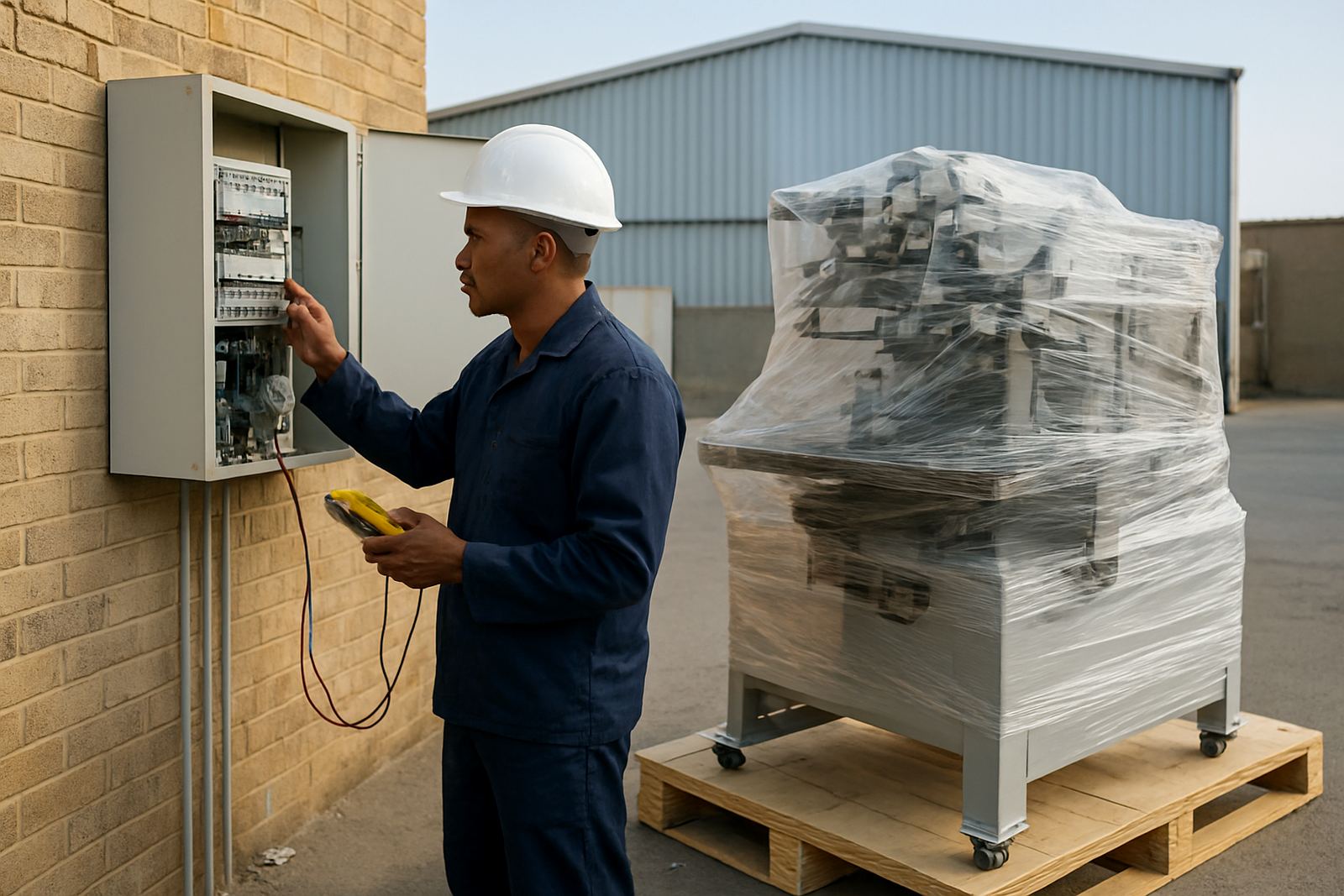
First confirm what power is actually available at the site, not what the landlord or previous tenant says was there. Check whether the machine will run on single phase or three phase, the breaker size, and whether the supply is stable enough for start-up loads. Many small factories in Johannesburg, Pretoria and Durban assume a plug point is enough, but a print line with heaters, pumps or air handling can need a proper dedicated circuit.
Look at the distribution board, the main isolator and the cable run from board to machine point. If the cable is too thin or too long, voltage drop can cause erratic heating, slow motors and control faults. That sort of issue often shows up only once production starts, which is a costly surprise.
Check the Machine Nameplate Before Anything Is Installed
Every machine should have a nameplate with its voltage, phase, current draw and frequency requirements. Compare that with your site supply and do not guess. If the machine has separate circuits for the main drive, curing section or accessories, each one must be planned for.
- Confirm voltage: 220 to 240 V single phase, or 380 to 415 V three phase
- Confirm frequency: 50 Hz for South African sites
- Check total amperage and starting load
- Identify whether a neutral is required
- Ask if any control gear needs clean power
If you are unsure, send the details before delivery. A quick check in Aeroton or at your site in Cape Town can avoid delays on install day and the machine can be set up correctly first time.
Plan for Load-Shedding and Voltage Swings
Load-shedding is still part of daily planning for many factories, and print machinery does not like sudden outages. A machine that loses power mid-cycle can ruin stock, upset alignment and leave screens or parts in a bad position. If your site uses a generator, inverter or UPS, make sure it is sized for the full load and start-up demand, not only the running amps.
Voltage swings are just as important. In some industrial areas, machines trip because the supply is weak or other equipment on site causes dips. That said, dont ignore the simple things like loose terminals, burnt plugs or tired breakers. These small faults often create the same symptoms as a bad machine.
Earthing, Safety and Compliance Matter
A proper earth connection protects operators and controls. Before installation, test the earth continuity, inspect the earth leakage protection and confirm the machine frame is bonded correctly. This is basic work, but it is often skipped when a site is rushed to get running.
Also check local electrical compliance requirements before a new machine is connected. If the site has had additions, extension leads or old panel modifications, get those cleaned up first. A neat electrical setup helps with inspections, insurance claims and routine maintenance, especially in factories near the coast where humidity can speed up corrosion.
- Earth leakage device tested and working
- Machine frame bonded to site earth
- Terminals tight and protected
- No exposed conductors or makeshift joints
- Isolation switch clearly labelled
Allow Space for Controls, Air and Cooling
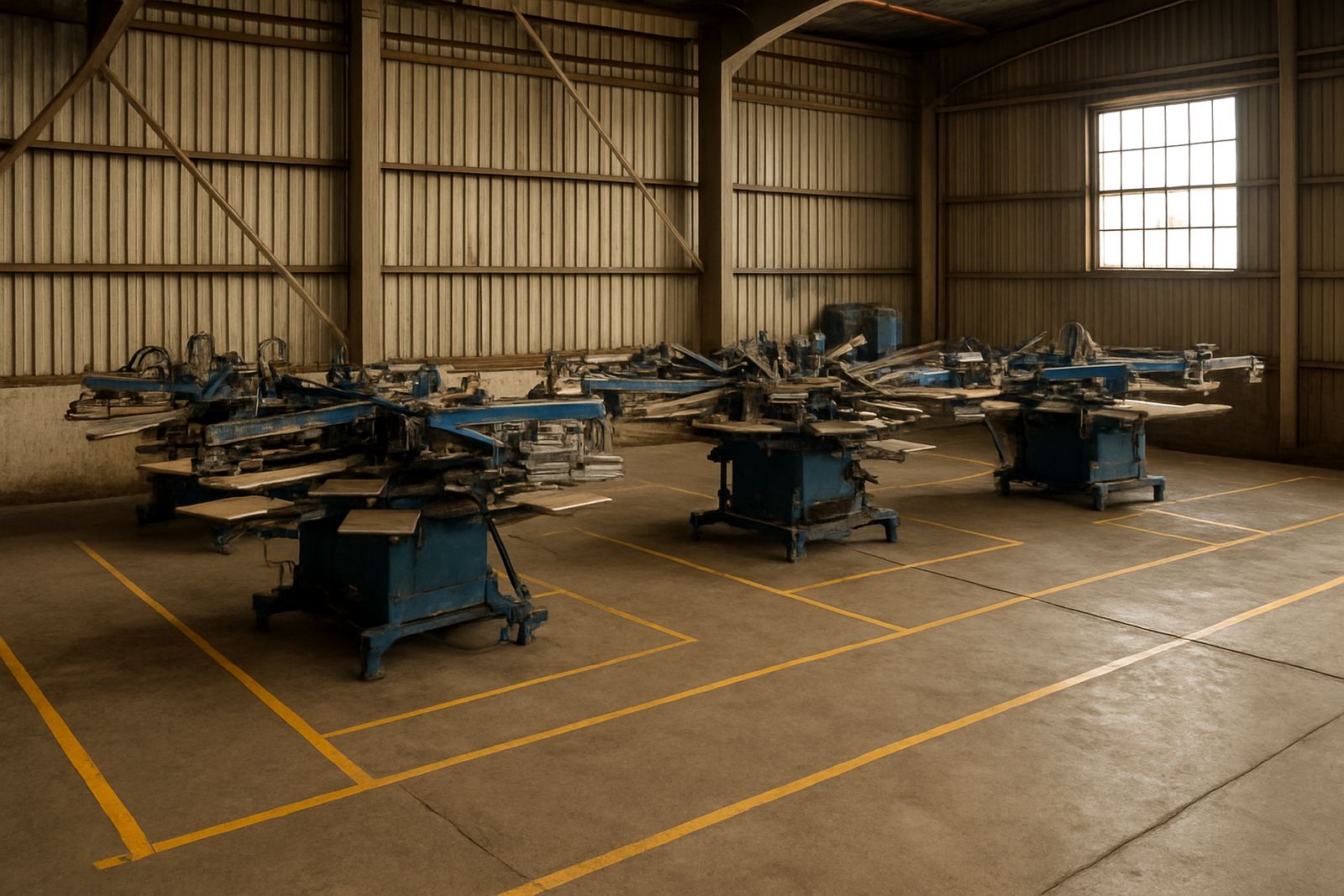
Power is not only about amps. Control panels need a dry, well-ventilated place and the machine should not sit beside steam, wash-down points or heavy dust. If the site is in Durban or another humid area, enclosures need extra care so moisture does not build up inside the panel. In a hotter plant, heat around the electrics can shorten component life fast.
Make room for safe access to the isolator, panel and emergency stop. If an installer cannot reach the panel properly, servicing takes longer and operators are tempted to bypass safety steps. Leave clear space around the machine for cable routing too, because cables pinched behind frames are a common cause of breakdowns.
Use a Simple Pre-Install Checklist
Before delivery day, walk through a short checklist with the site manager and the electrical contractor. It is easier to sort a missing breaker or wrong plug before the truck arrives. For multi-machine setups, label every line clearly so production staff know which supply feeds which unit.
- Supply type confirmed and recorded
- Breaker size matched to machine draw
- Dedicated socket or isolator installed
- Earth and phase rotation checked where needed
- Backup plan in place for outages
- Access clear for installation and later service
If your team in Midrand or Johannesburg South is not sure about any item, send the machine details and a site photo before install day. A short pre-check saves time, and it keeps the commissioning process straight forward.