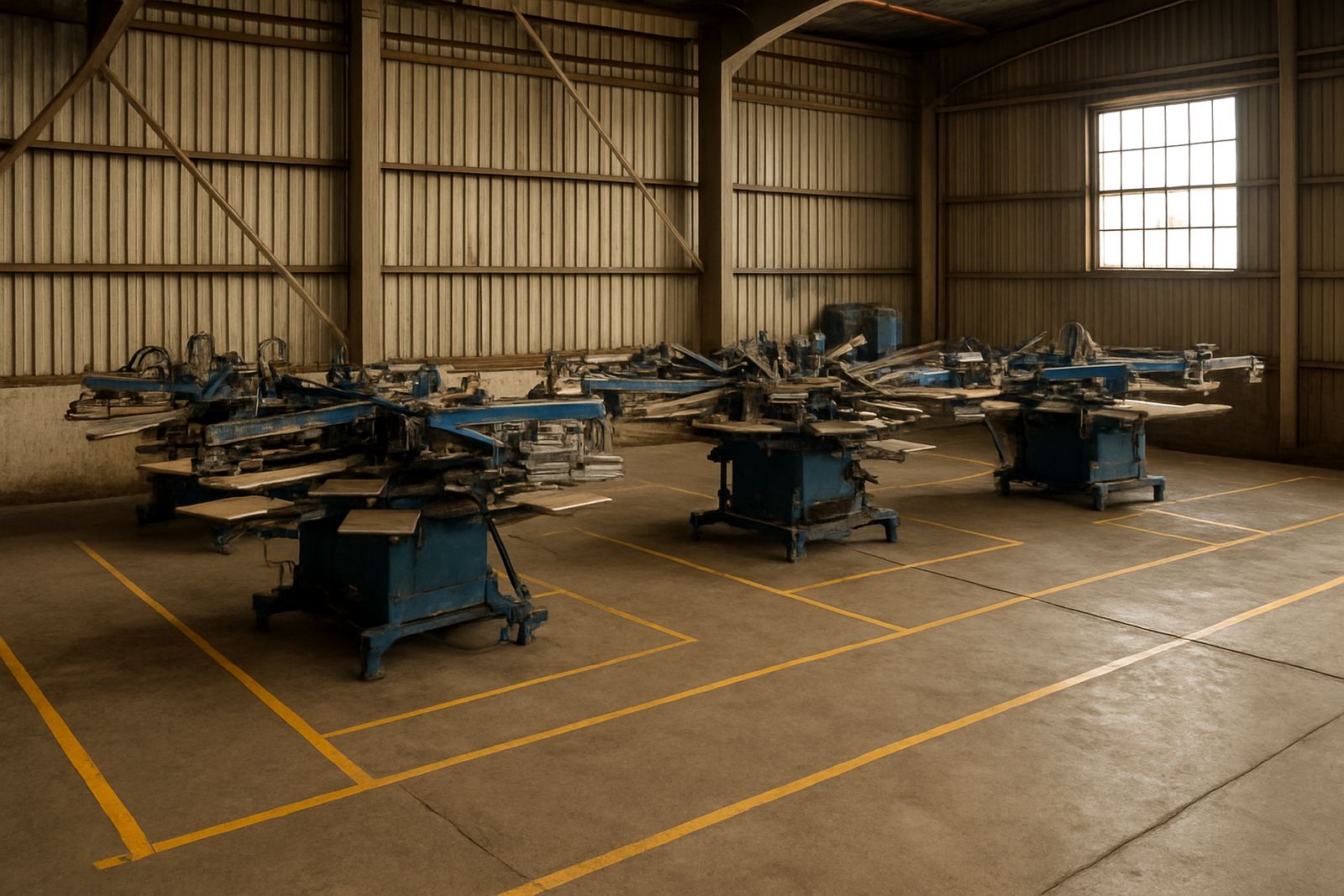
Start With the Product Mix You Will Print
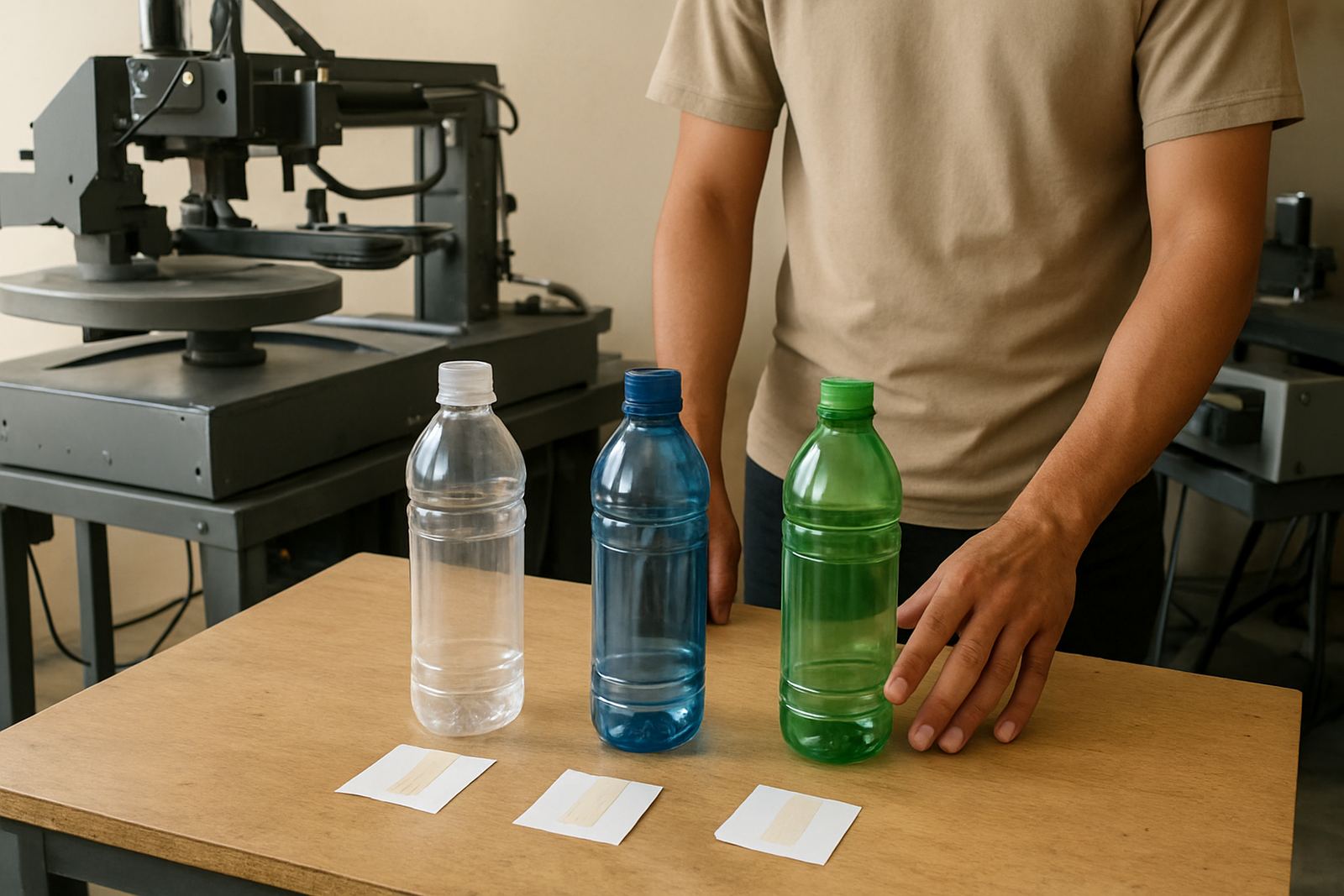
Space planning begins with the range of containers you want to print. A line that handles only 250 ml and 500 ml bottles needs a different setup from one that must also run cups, jars and narrow tubes. The more sizes you expect to change between, the more room you need for staging, screen changes and drying between jobs.
Measure your largest product diameter and length, then add working clearance around it. As a rule, allow space for the load and unload point, a small reject area, screen storage and a clear path for the operator. If your operation is in Johannesburg, Durban or Cape Town, also think about humidity and temperature swings because they affect ink behaviour and handling time.
- List every product size you plan to print in the next 12 months
- Record the largest and smallest diameter for each item
- Note whether items are rigid, flexible or heat sensitive
- Decide if one operator or two people will handle loading
Allow Room for the Machine and the People Around It
The machine footprint is only part of the picture. You need enough room for the feed side, the delivery side, access panels and cleaning. Tight corners slow the job and make breakdown repairs harder. Leave space so a technician can reach the drive side, sensors and any control points without moving other equipment out of the way.
For a practical layout, plan walking space of at least 900 mm around the machine where people need to pass, and more where screens, inks or spare parts will be carried. If forklifts or pallet jacks are used, keep those routes separate from the operator zone. In Aeroton and other industrial areas, shared floor space often gets crowded fast so it helps to mark the layout before install day.
- Keep the loading side open and uncluttered
- Provide a clear service lane for maintenance access
- Separate foot traffic from pallet movement
- Mark fire exits and panel access points on the floor
Build the Workflow in the Correct Order
A good print room flows in one direction: receiving, prep, printing, drying, inspection and packing. If the room is arranged in circles or backtracks, products get handled twice and the risk of scratches or contamination goes up. The screen-making area should not force wet screens to pass through packed stock or finished goods.
Put your screens, inks and cleaning area close enough to be efficient but not so close that solvent fumes or wash-up water affect the print line. If you are reclaiming screens on site, allow a separate wet area with drainage and proper storage for chemicals. Many sites overlook this and only notice the problem when the first load-shedding day or busy shift exposes it.
- Map the route from incoming stock to packed stock
- Keep clean products away from reclaiming and wash-up areas
- Place screens where changeovers can happen quickly
- Store inks and cleaners in a controlled, labelled area
Check Power, Compressed Air and Floor Conditions Early
Power supply is a major part of installation planning in South Africa. If your machine needs single-phase or three-phase power, the supply point must be suitable and stable. Add allowance for other equipment such as conveyors, drying units or air systems. If load-shedding affects your site, decide whether you will use backup power for the machine, the lighting and the drying section or only for essential movement.
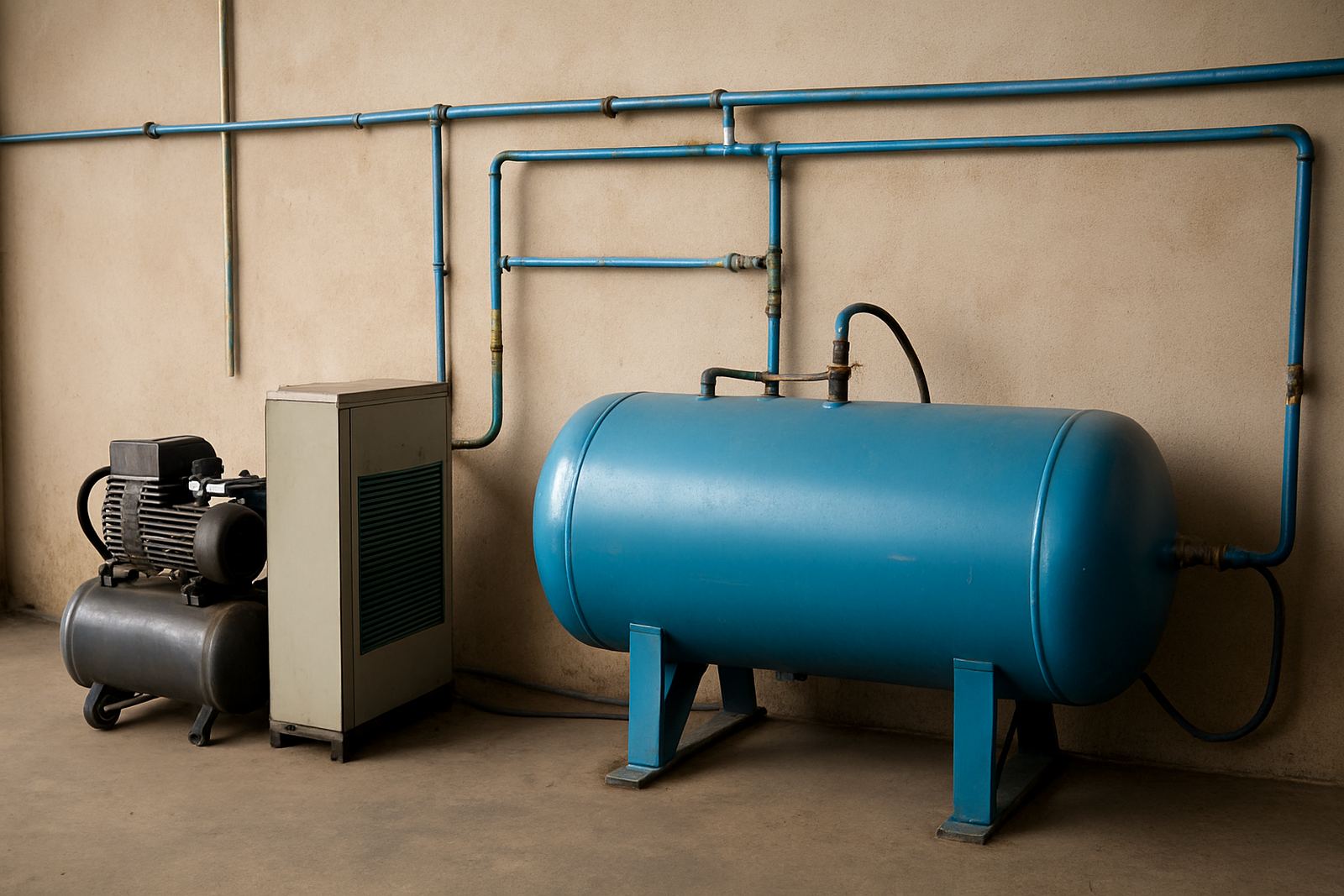
Compressed air, if required, should be clean and dry. Moisture in the line causes problems on coastal sites, especially in Durban and Cape Town. The floor must be level enough for accurate print registration and safe movement. Cracked or sloping floors can create vibration and lead to uneven results over time.
- Confirm power rating before the machine arrives
- Check whether backup power will cover the full line or only key points
- Inspect floor flatness and repair loose concrete
- Make sure air lines are dry and easy to isolate for maintenance
Plan Storage for Screens, Consumables and Finished Work
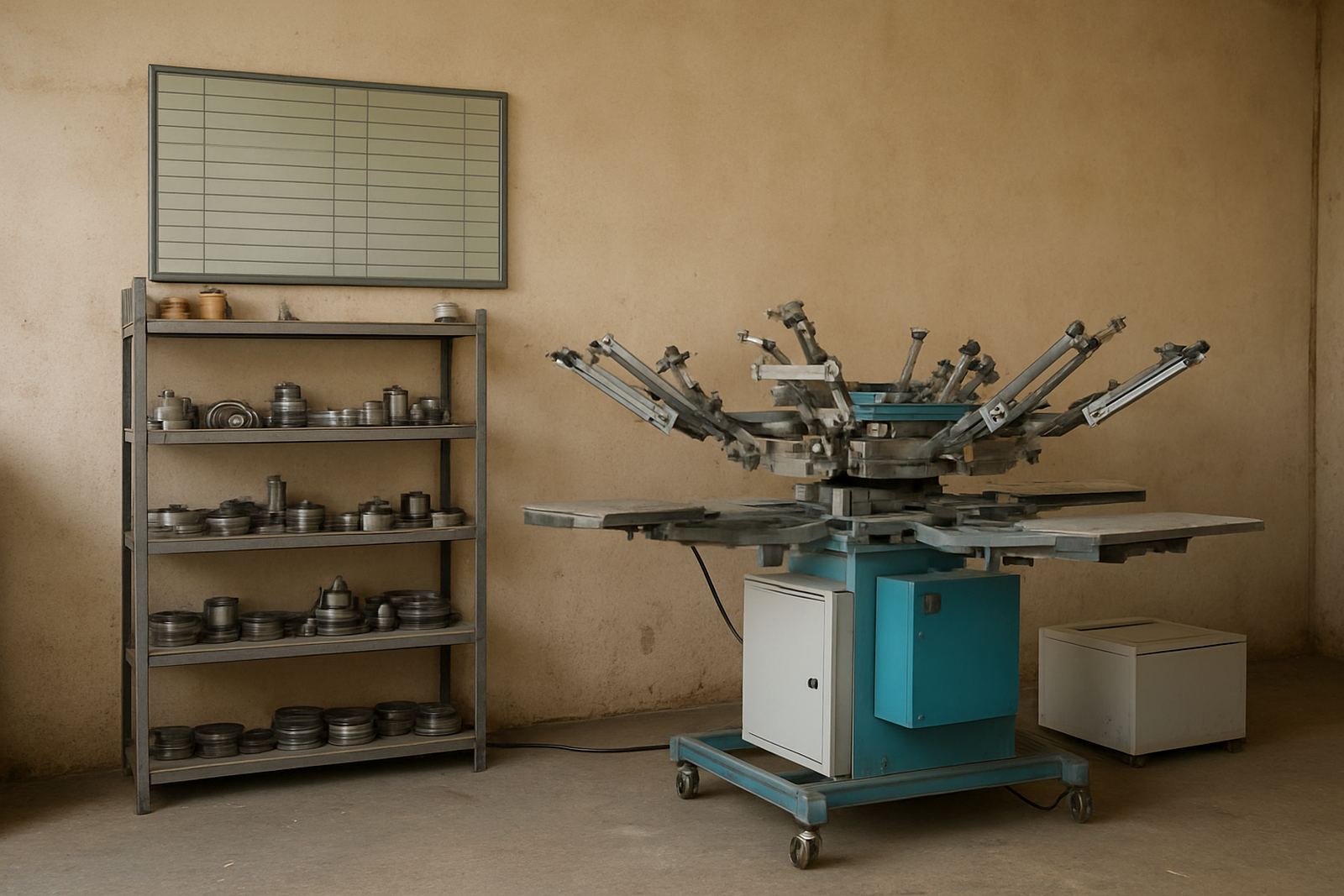
Screens, jigs, squeegees, inks and cleaning materials need their own place. If these items are stacked on the floor or mixed with finished stock, losses happen quickly. Screens should be stored upright or in a rack that prevents warping, and reclaimed screens should dry in a clean area before reuse. This is especially useful when orders change often and the team needs to find the right mesh or stencil fast.
Finished goods must be separated from raw bottles or cups so that dust and handling marks do not carry through to dispatch. In busy production rooms the best setup is simple and labelled, with clear shelves, a reject bin and a small area for sample approval. The less time staff spend searching for materials, the better your output will be.
- Provide dry storage for screens and stencils
- Keep inks and consumables labelled by colour and job
- Separate finished goods from incoming stock
- Use a reject or rework area that is easy to identify
Use a Pre-Install Checklist Before We Arrive
A proper pre-install check saves time on site and avoids delays. It also makes operator training easier because the room is ready for practical work rather than rearranging boxes on the day. If the machine is going into an existing line, test whether doors, roller shutters and passageways are wide enough for equipment movement. Small issues like a locked store room or missing socket can hold up a full day.
At Bottle Screen Printers, we advise clients to confirm space, utilities and access before delivery so the install can start cleanly. This helps your team focus on production setup, not last-minute building work. A little planning up front often prevents a costly second visit later on.
- Measure door widths, passages and ceiling height
- Confirm power points, isolators and air supply
- Clear the intended machine area before delivery
- Assign one contact person for the install and handover